Account Settings
Sign in, check your plan and credits, control sync, and set your name, AI instructions, and memory.
Settings -> Account has two cards.
Sync & Access
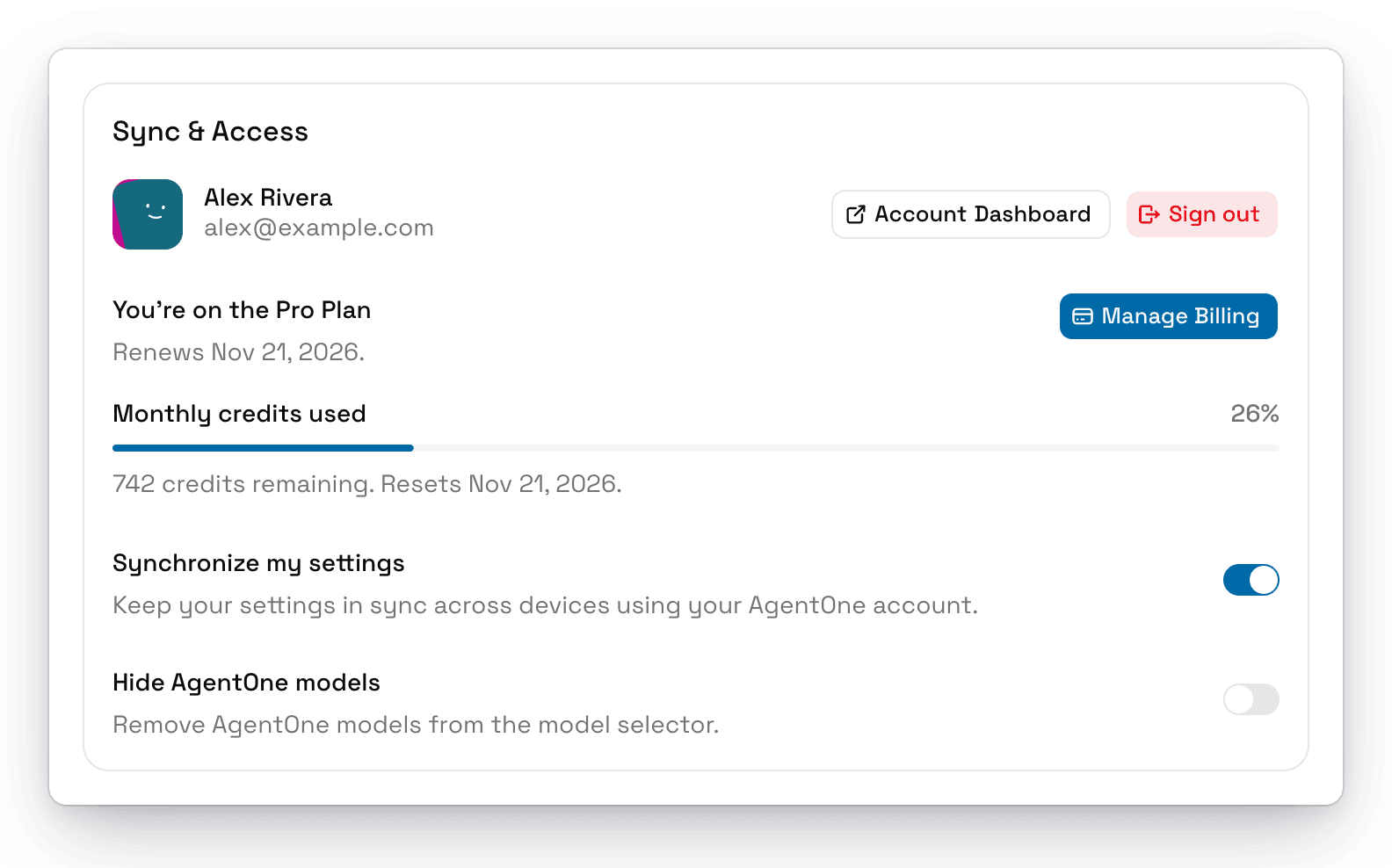
| Setting | What it does | Default |
|---|---|---|
| Account | Sign in or out, and open the Account Dashboard. See Your AgentOne Account. | |
| Plan | Your plan, its renewal date, and Upgrade or Manage Billing. See Plans & Credits. | |
| Monthly credits used | How many of your monthly credits you've used, and when they reset. | |
| Synchronize my settings | Keeps your settings in sync across devices. See Sync & Privacy. | On |
| Hide AgentOne models | Removes AgentOne's model from the model selector. | Off |
Both switches need you to be signed in, and neither one syncs between devices.
Profile & Instructions
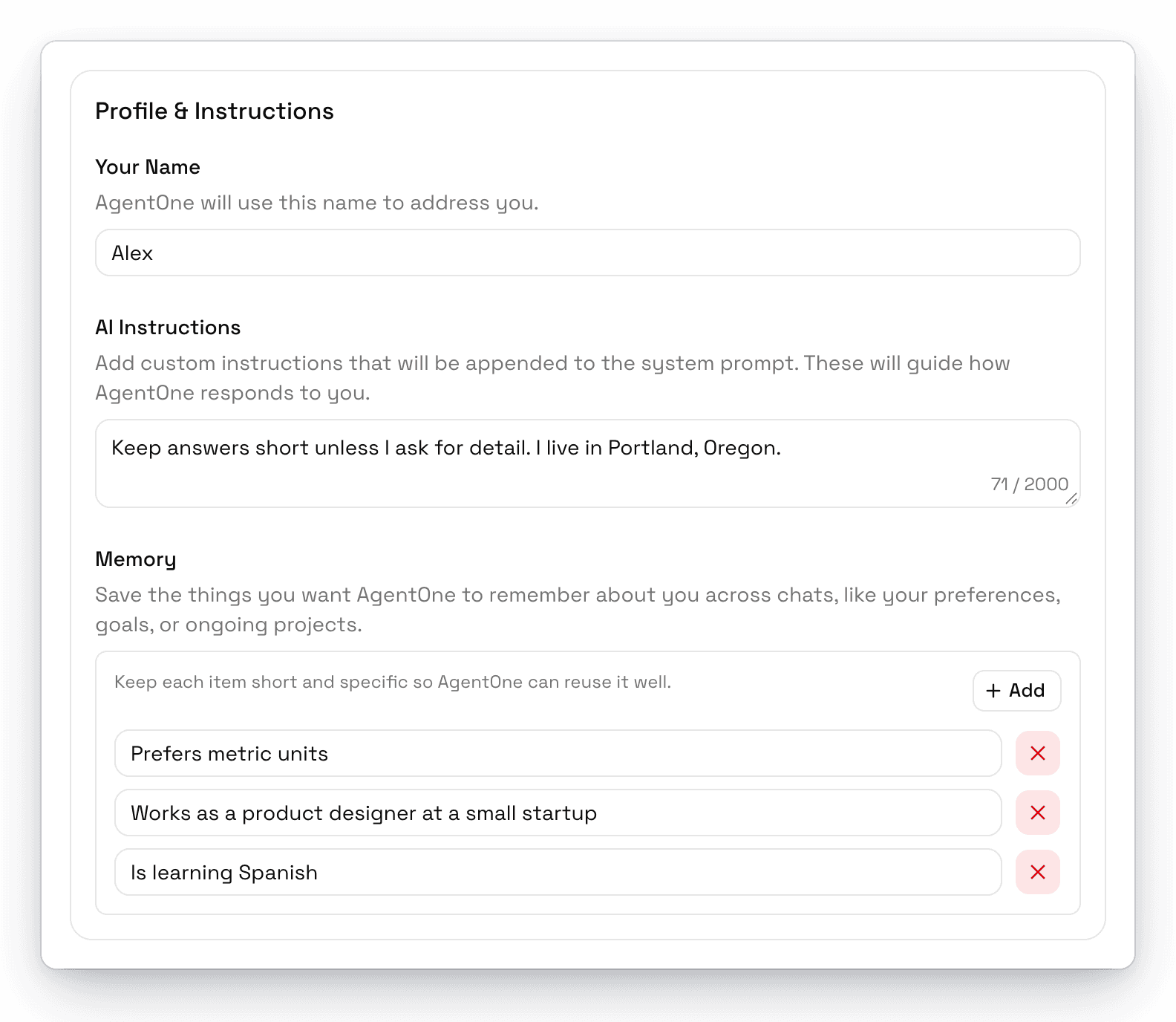
| Setting | What it does |
|---|---|
| Your Name | The name AgentOne uses to address you. |
| AI Instructions | Instructions AgentOne follows in every chat, up to 2,000 characters. |
| Memory | Facts AgentOne remembers about you across chats. Click Add to add one, or the x to delete. |
See Personalization for tips.