Keyboard Shortcut Settings
Change AgentOne's keyboard shortcuts and choose whether they work while you're typing.
Settings -> Keyboard Shortcuts lists every shortcut you can change. For the full list of default shortcuts, see Keyboard Shortcuts.
In shortcuts, mod means Cmd on macOS and Ctrl on Windows and Linux.
Change a Shortcut
Each shortcut has an edit (pencil) button:
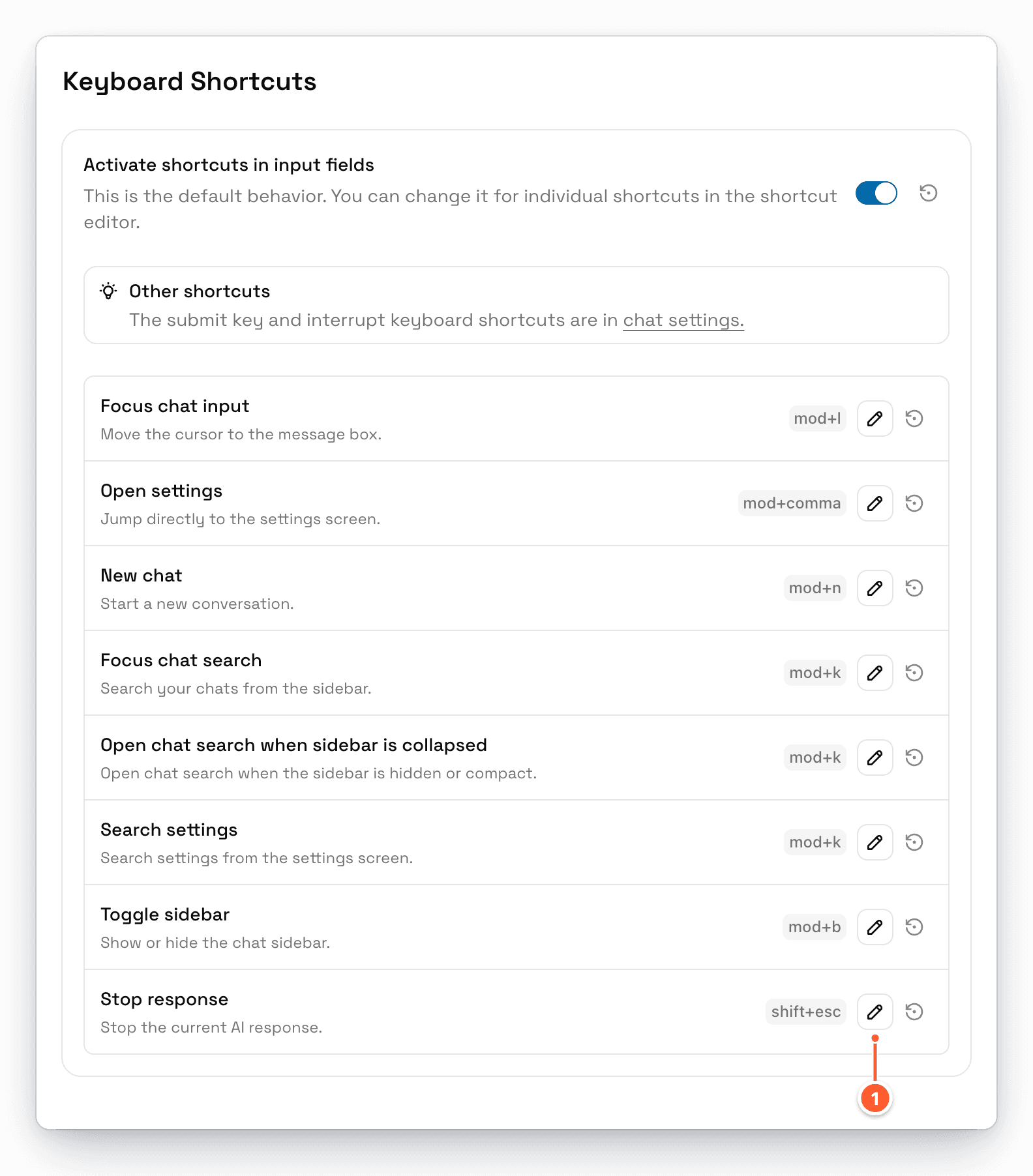
- The edit (pencil) button opens the shortcut editor.
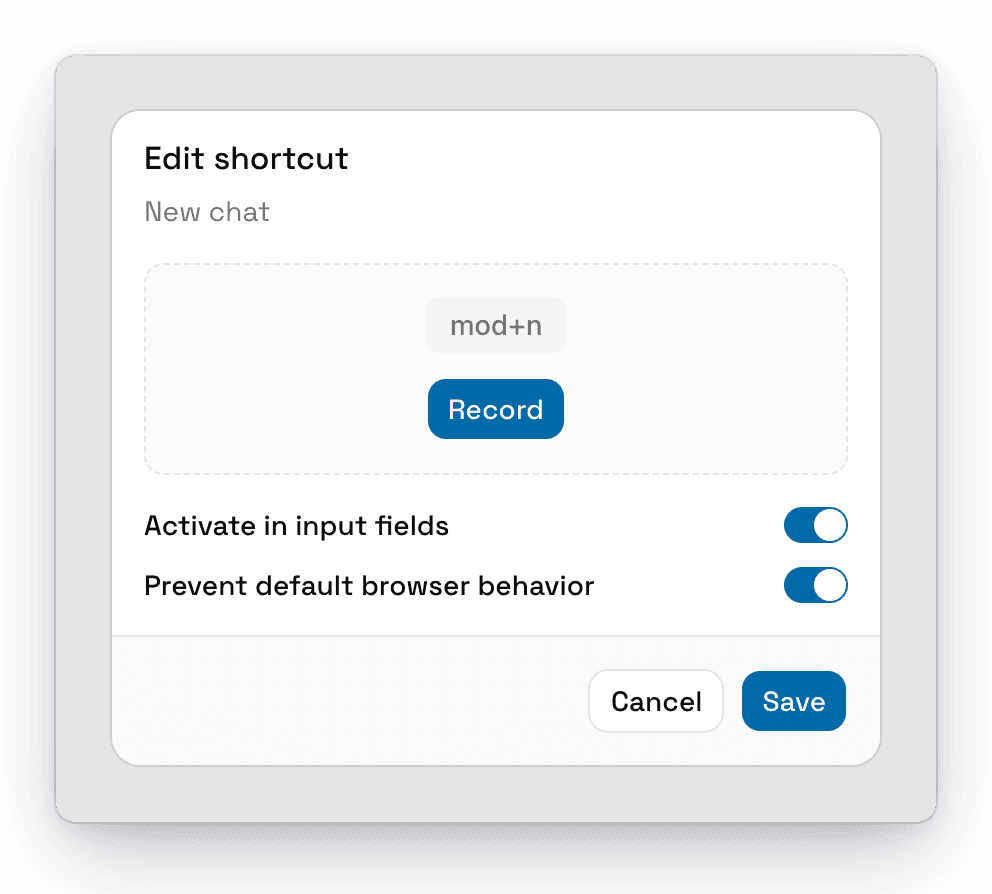
In the editor, click Record, press the keys you want to use, click Stop, and then click Save.
If the keys are already used by another shortcut, AgentOne shows Shortcut conflict and tells you which one.
Each shortcut also has two switches:
- Activate in input fields: whether the shortcut works while you're typing in the message box or another text field.
- Prevent default browser behavior: stops the key combination from doing anything else. Leave this on unless you know you need it off.
Click the reset button next to a shortcut to go back to its default.
Activate Shortcuts in Input Fields
Activate shortcuts in input fields is the default for every shortcut. You can override it for individual shortcuts in the shortcut editor.
The Submit Key and Interrupt Key for the message box are in Chat Settings.