Plans & Credits
Compare AgentOne's Free, Pro, Ultra, and Hyper plans and learn how monthly credits work.
AgentOne is free. Paid plans give you more monthly credits for AgentOne's own model, plus early access to new features.
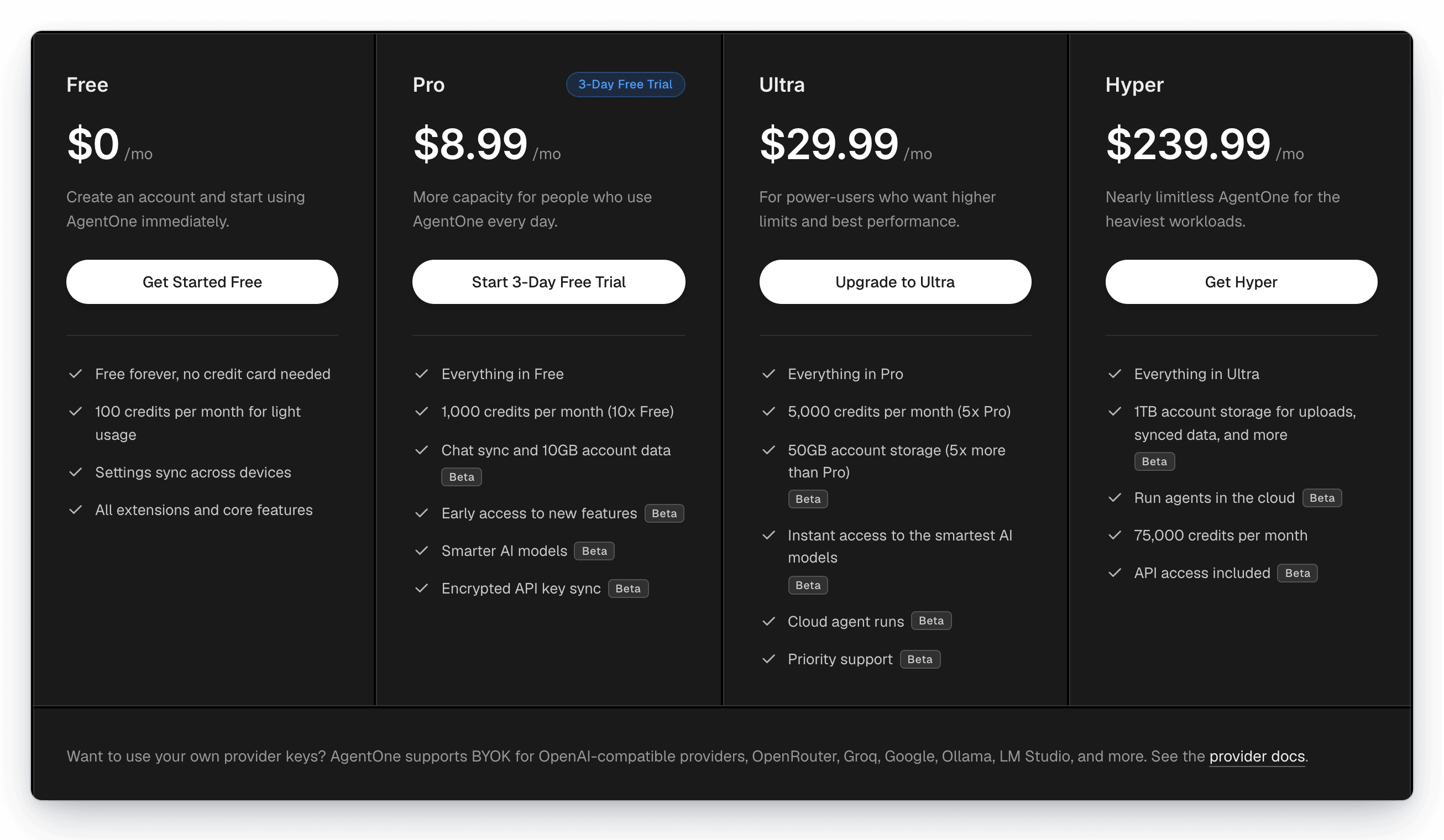
Plans
| Plan | Price | Monthly credits | Highlights |
|---|---|---|---|
| Free | $0 | 100 | Settings sync across devices, all extensions and core features |
| Pro | $8.99/month | 1,000 | Everything in Free, plus chat sync, 10 GB of account data, smarter models, and encrypted API key sync (beta). Starts with a 3-day free trial. |
| Ultra | $29.99/month | 5,000 | Everything in Pro, plus 50 GB of storage, instant access to the smartest models, cloud agent runs, and priority support (beta) |
| Hyper | $239.99/month | 75,000 | Everything in Ultra, plus 1 TB of storage, cloud agents, and API access (beta) |
Features marked beta are being rolled out in stages, so they may not be available on every account yet. For the latest details, see the pricing page.
How Credits Work
- Credits are only used when you chat with AgentOne's own model (shown as Default under AgentOne in the model selector).
- Each message costs credits based on how much work the model does, so short questions cost less than long tasks with many tool calls.
- Credits refresh every month on your plan's renewal date.
- Using your own API keys or local models never uses credits. You pay your provider directly, with no markup from AgentOne.
Check Your Credits
Open Settings -> Account. Monthly credits used shows a progress bar and how many credits are left before they reset.
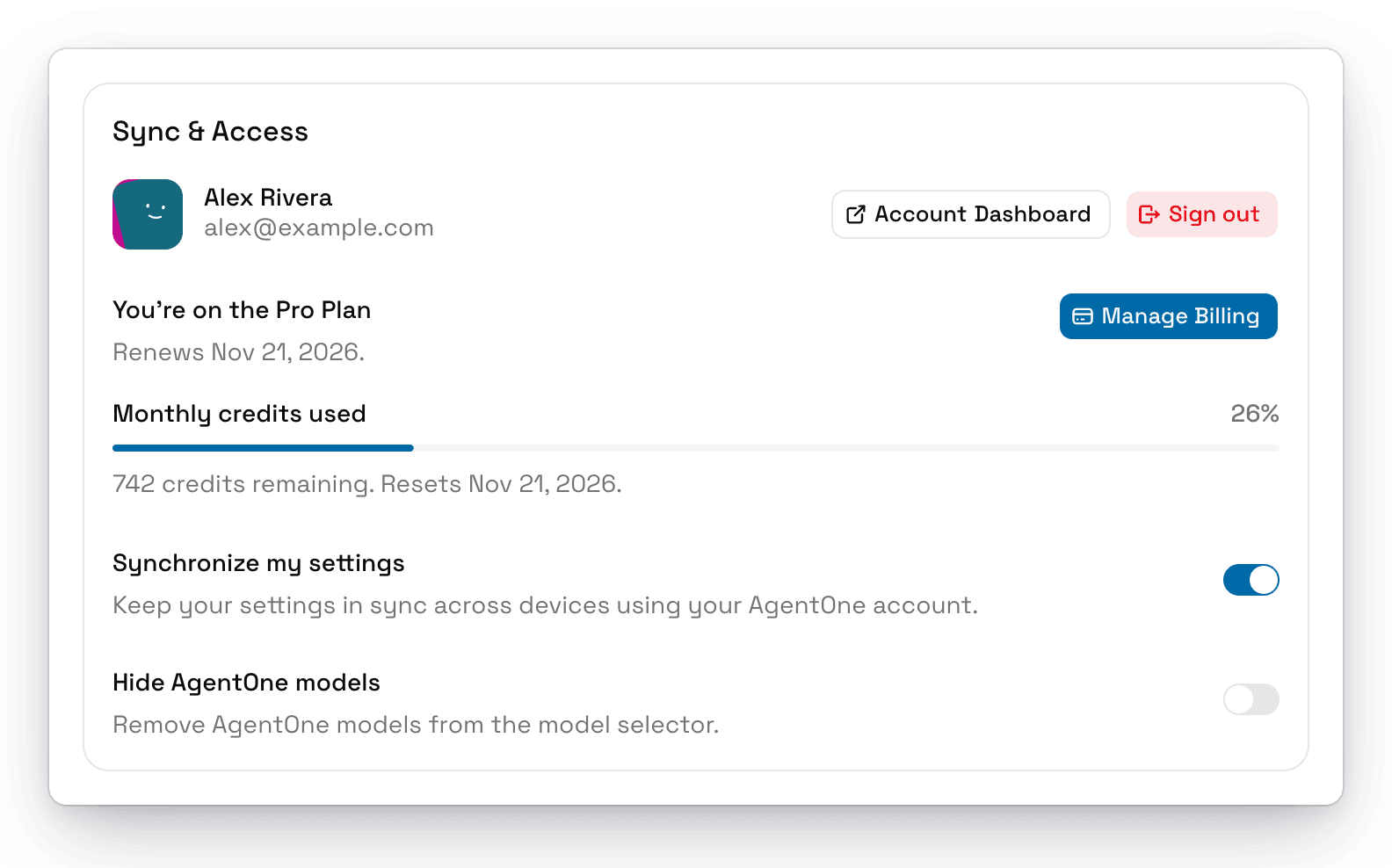
The web dashboard at agent-one.dev/dashboard shows the same information.
Running Out of Credits
When you run out, AgentOne's model stops responding until your credits reset. You can:
- Upgrade your plan from
Settings->Accountor the account menu. - Switch the chat to a model from your own provider in the model selector.
Change or Cancel Your Plan
Open the account menu and click Upgrade Your Plan or Manage Billing. This opens the Billing page in your web dashboard, where you can switch plans or open the billing portal to update your payment method, see invoices, or cancel. If you cancel, your plan stays active until the end of the billing period.