Quickstart
Install AgentOne, finish the first-run setup, and send your first message.
This guide takes you from download to your first conversation in a few minutes.
Install AgentOne
Go to agent-one.dev/download and download AgentOne for your operating system. If you need help, follow the guide for macOS, Windows, or Linux.
Start setup
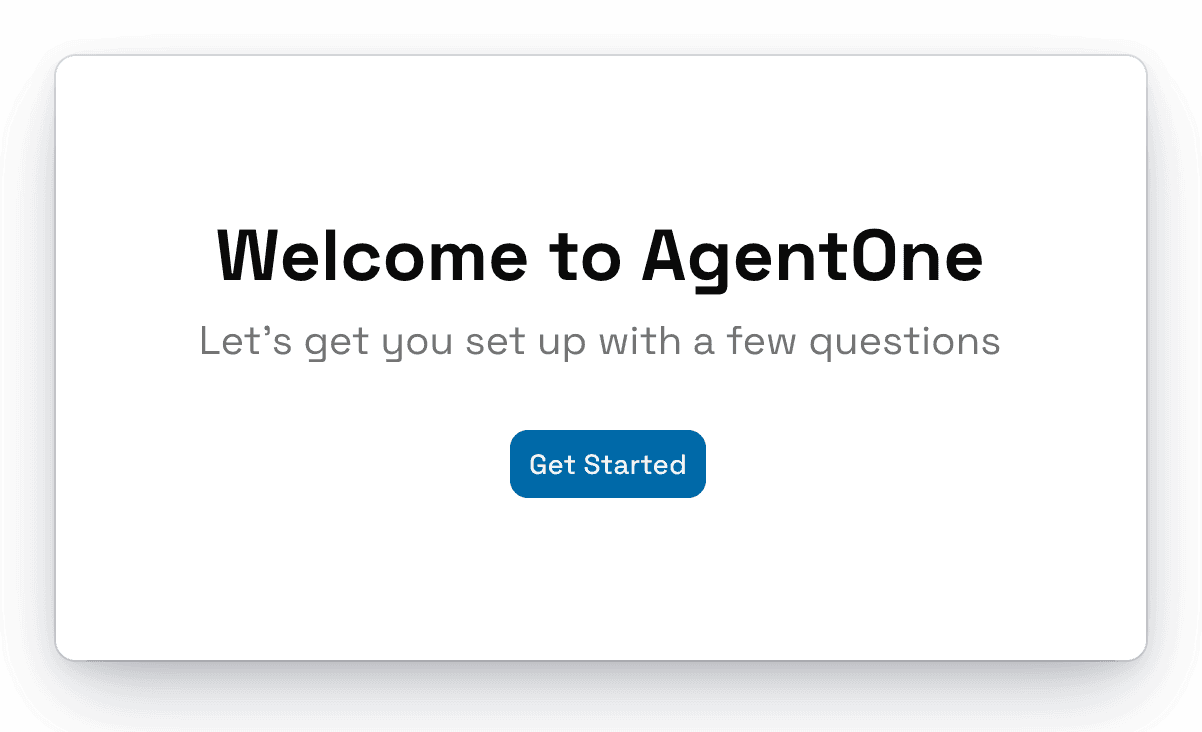
Open AgentOne. The first time you launch it, you'll see the welcome screen. Click Get Started.
Choose how you want to use AI models
AgentOne needs an AI model to think with. On the Set up your account screen, you have two options:
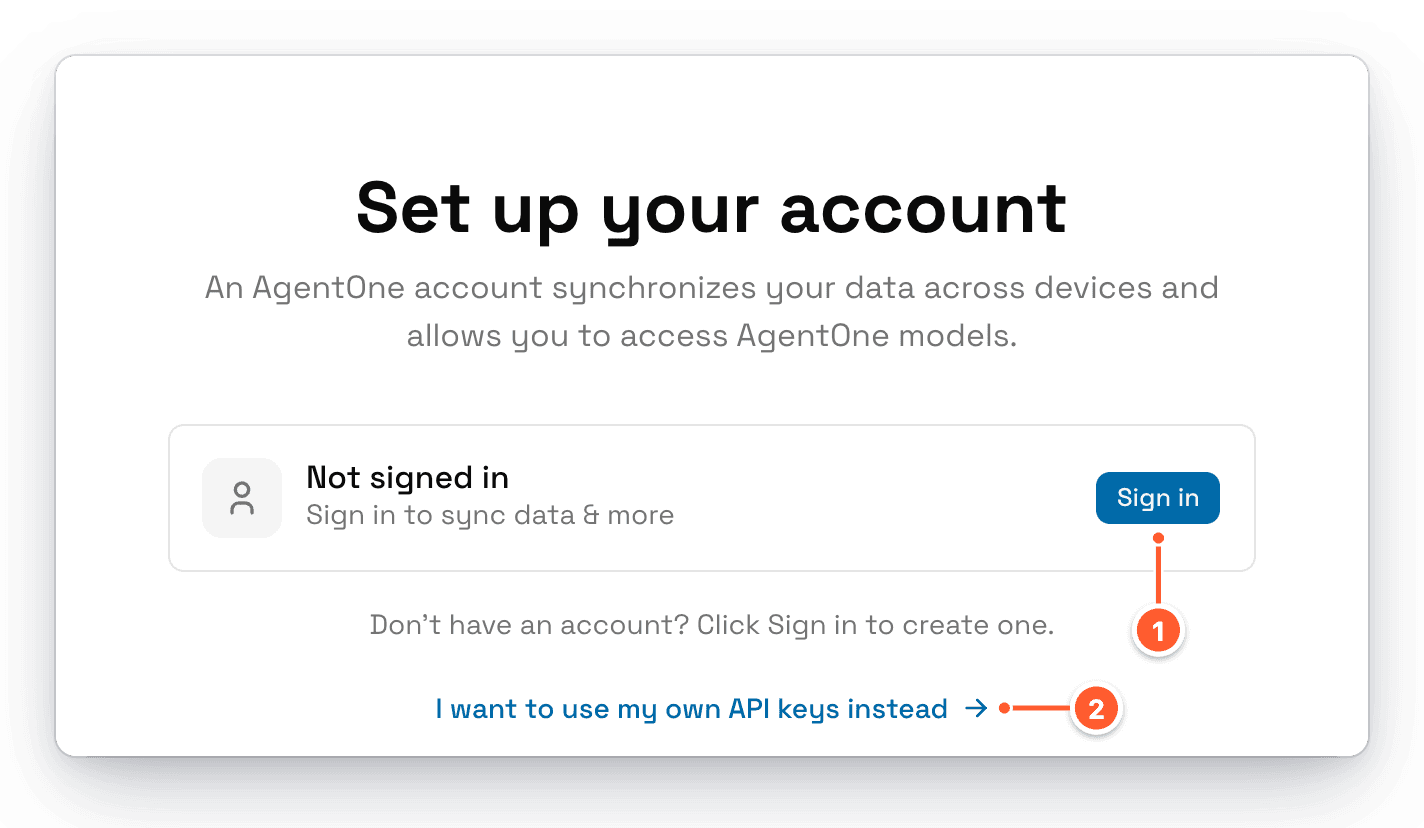
- Sign in (recommended). Signing in gives you access to AgentOne's own model with free monthly credits, and syncs your settings across devices. If you don't have an account yet, clicking Sign in lets you create one.
- I want to use my own API keys instead. Skip the account and connect a provider like OpenAI, Anthropic, Google, OpenRouter, or a local model running in Ollama or LM Studio.
Not sure which to pick?
Sign in. It's free, you can start chatting immediately, and you can still add your own API keys later in Providers settings.
Sign in through your browser
When you click Sign in, AgentOne opens a sign-in page in your web browser and shows a short code.
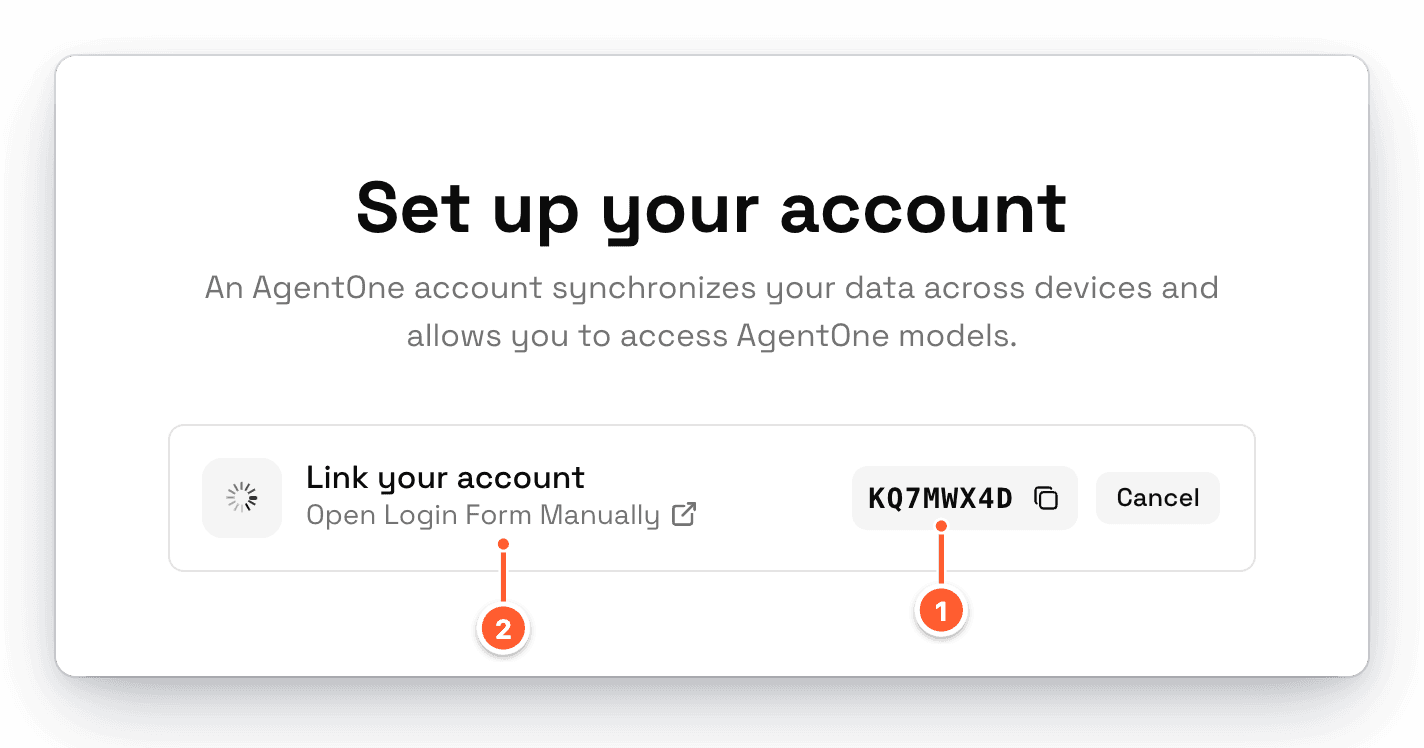
- The code AgentOne shows. Make sure it matches the code in your browser, then click Approve on the web page.
- If your browser didn't open, click Open Login Form Manually.
Once you approve, AgentOne finishes signing you in on its own. It uses the name on your account, so you won't be asked for it again.
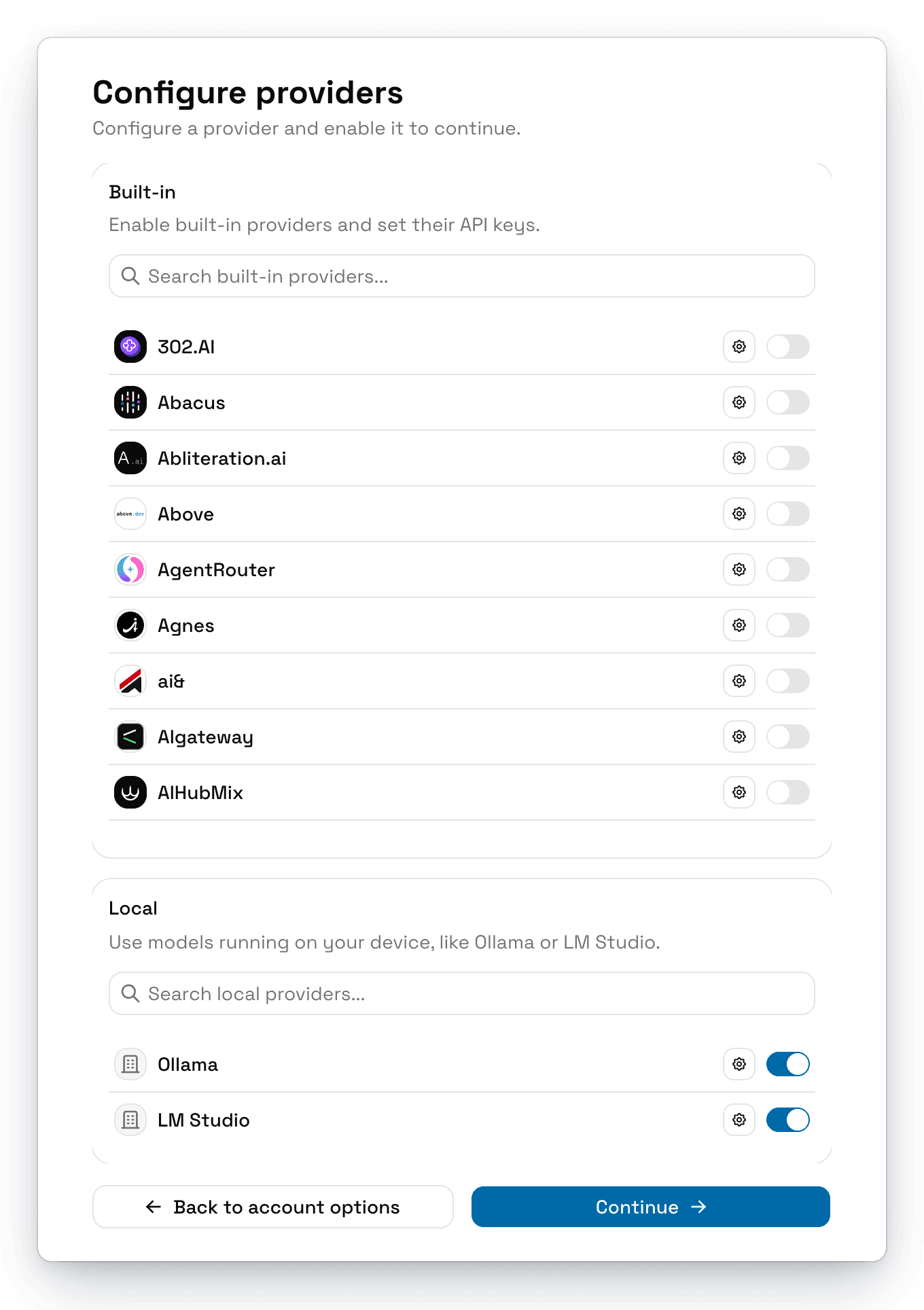
If you chose your own API keys instead, enable at least one provider and enter its key, then click Continue. AgentOne will then ask what it should call you.
Take the tour
When setup is done, you'll see You're all set!
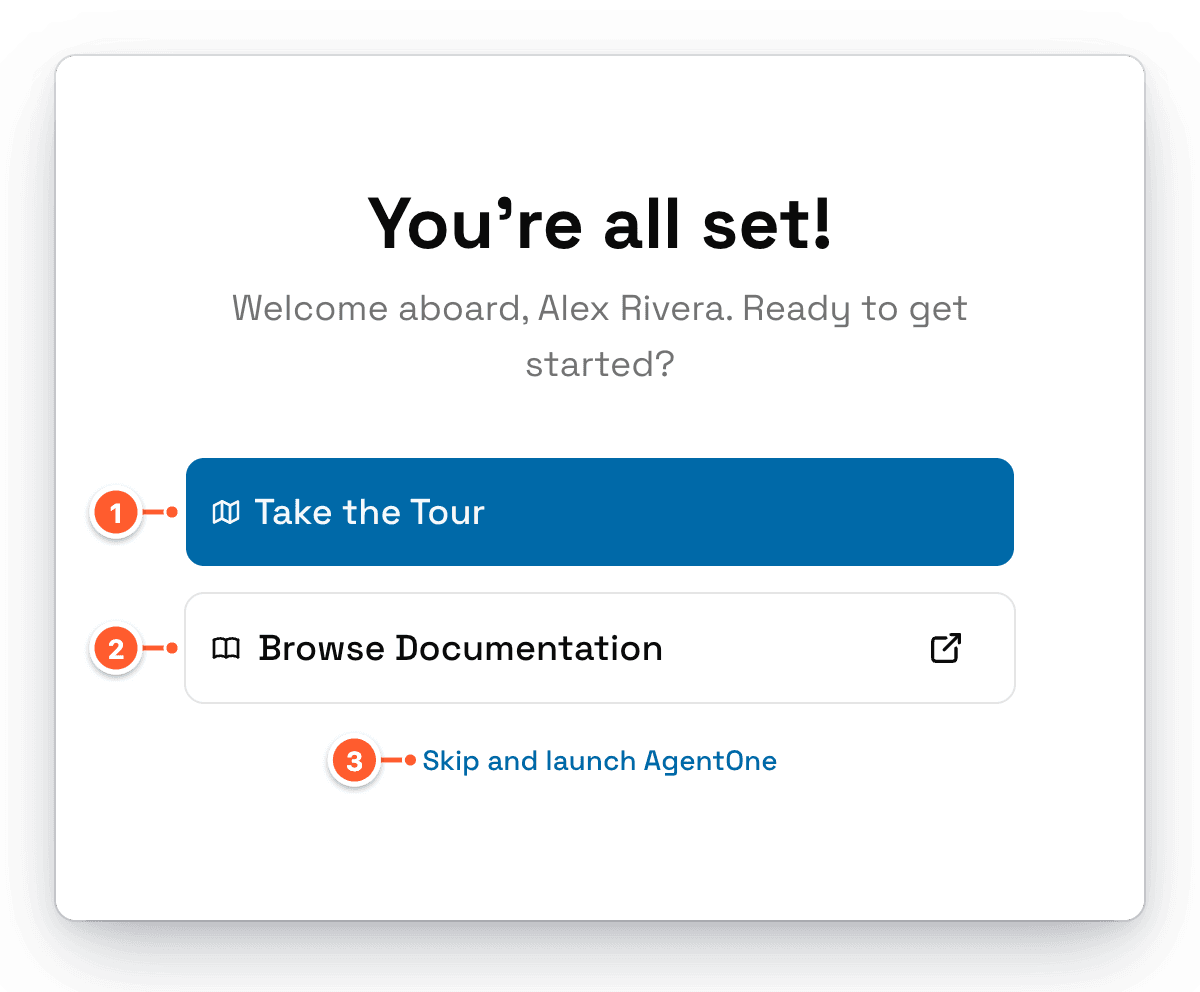
- Take the Tour walks you through the message box, attachments, the model selector, your chats, and the account menu. We recommend it if you're new.
- Browse Documentation opens these docs.
- Skip and launch AgentOne takes you straight to a new chat.
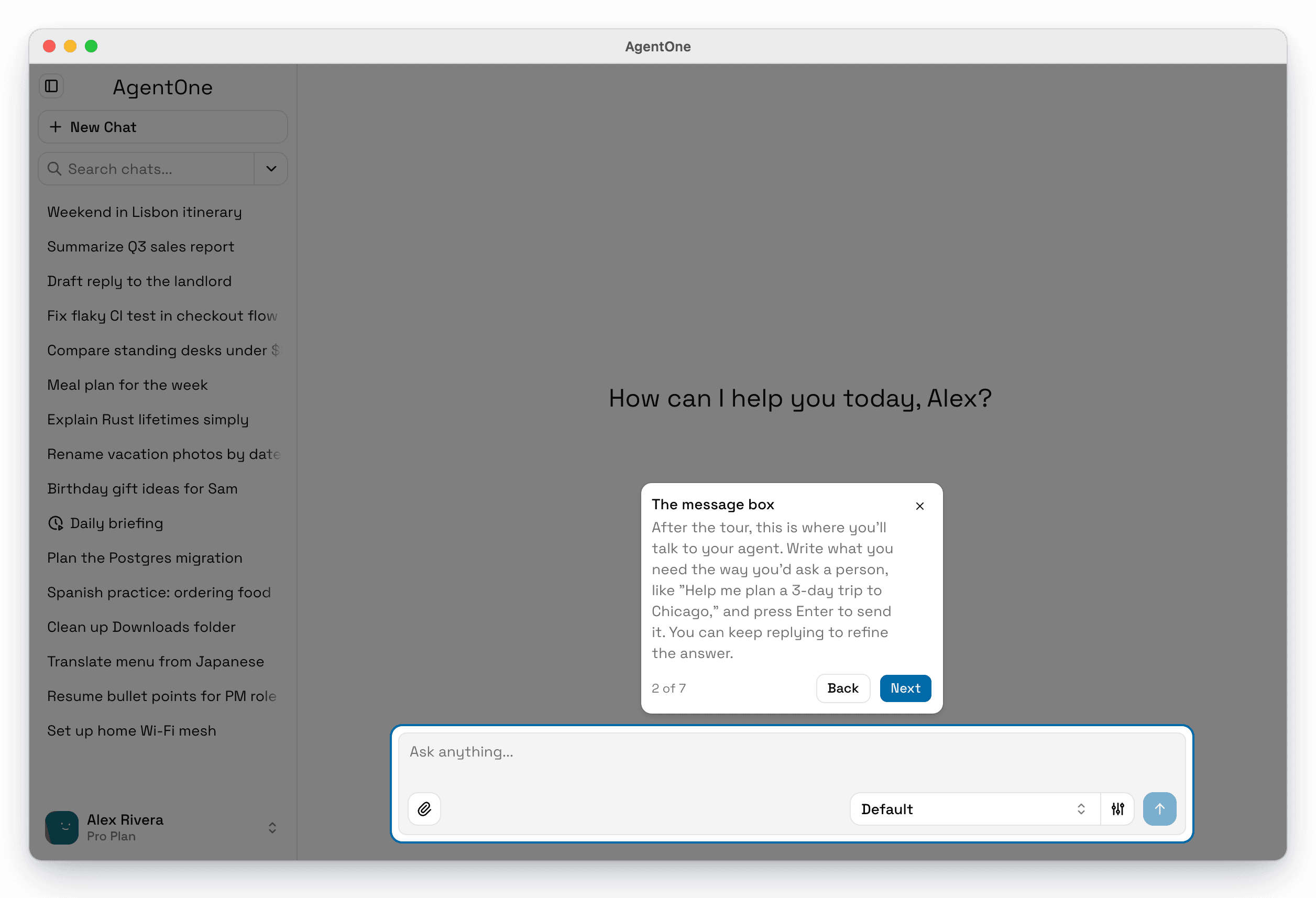
You can take the tour again any time from Settings -> Help & Updates -> Take the tour.
Send your first message
Click the message box at the bottom of the window, type what you need the way you'd ask a person, and press Enter. For example:
Help me plan a 3-day trip to Chicago in December. Keep it budget-friendly.AgentOne streams its answer as it writes. Keep replying in the same chat to refine the result, or click New Chat in the sidebar to start a new topic.
Skipped setup by accident?
If you leave onboarding early, AgentOne shows a reminder that says You haven't finished setting up AgentOne. Click Take onboarding to go back, or Never to hide the reminder for good.