Installation
Download and install AgentOne on macOS, Windows, or Linux.
AgentOne is free to download and runs on macOS, Windows, and Linux. You don't need an account or a credit card to install it.
System Requirements
| Platform | Requirement | Download options |
|---|---|---|
| macOS | macOS 14.0 or later, Apple Silicon or Intel | .dmg |
| Windows | Windows 10 (version 1809) or later, 64-bit | Microsoft Store, .exe installer |
| Linux | 64-bit (x86_64) with webkit2gtk-4.1 available | AppImage, .deb, .rpm, Snap Store, AUR |
Download AgentOne
Go to the download page:
https://www.agent-one.dev/download
The page detects your operating system and selects the right tab. If it picked the wrong one, click macOS, Windows, or Linux at the top.
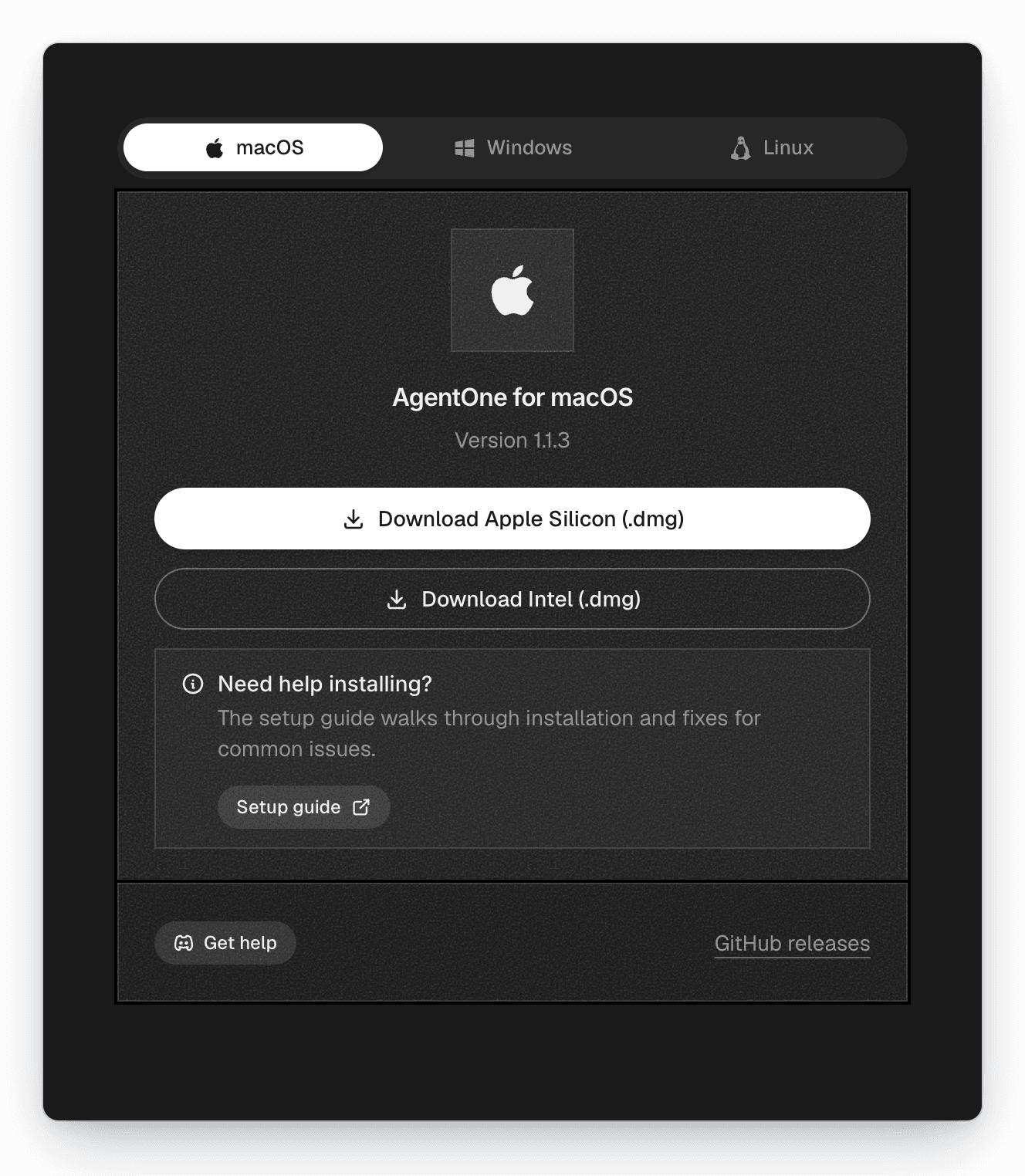
Every release is also available on the GitHub releases page.
Choose Your Platform
macOS
Install from a .dmg on Apple Silicon or Intel Macs.
Windows
Install from the Microsoft Store or with the installer.
Linux
AppImage, Debian/Ubuntu, Fedora/RHEL, Snap, and Arch Linux.
After installing, follow the Quickstart to finish setting up.
Only download AgentOne from agent-one.dev, the Microsoft Store, the Snap
Store, the AUR, or the official GitHub releases
page.