Help & Updates
Check your AgentOne version, install updates, refresh the model and extension lists, and get help.
Settings -> Help & Updates has four cards.
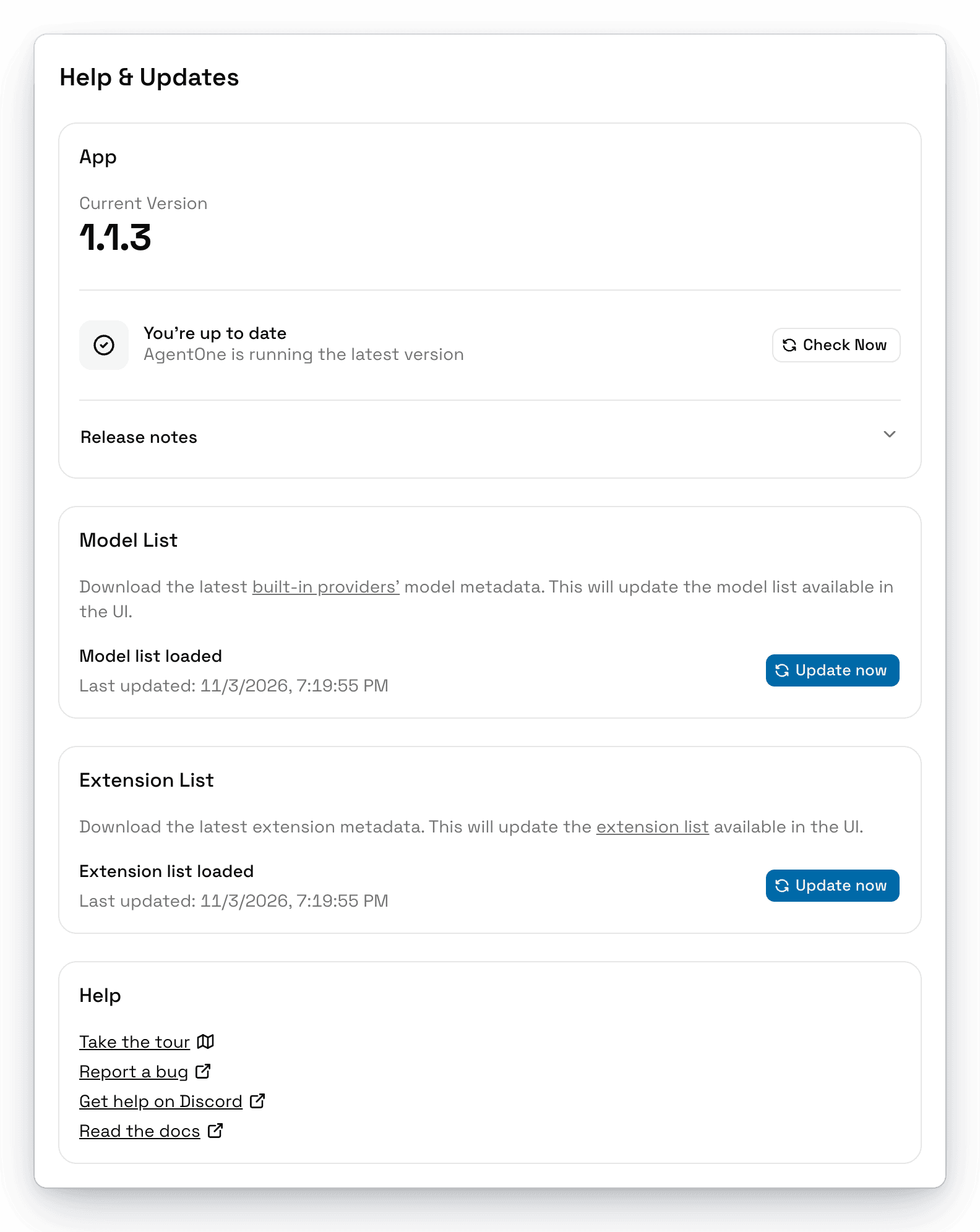
App
- Current Version shows which version of AgentOne you're running.
- Check Now checks for an update. If one is available, click Download & Install. See Updating AgentOne.
- Release notes shows what changed in any version. Pick a version from the menu.
Model List
The list of models and their details for built-in providers, from the AI Model Directory. AgentOne updates it automatically every 24 hours. Click Update now to update it right away. See Model Metadata.
Extension List
The list of extensions from the MCP Registry. AgentOne updates it automatically every 24 hours, and shows progress while it downloads. Click Update now to update it right away. See Extensions.
Help
- Take the tour restarts the guided tour of the app.
- Report a bug opens a new issue on GitHub.
- Get help on Discord opens the AgentOne Discord.
- Read the docs opens this documentation.