Appearance Settings
Change AgentOne's theme, colors, font, roundness, text size, background image, and message box style.
Settings -> Appearance changes how AgentOne looks. All of these settings sync across your devices, except custom fonts and custom background image files.
General
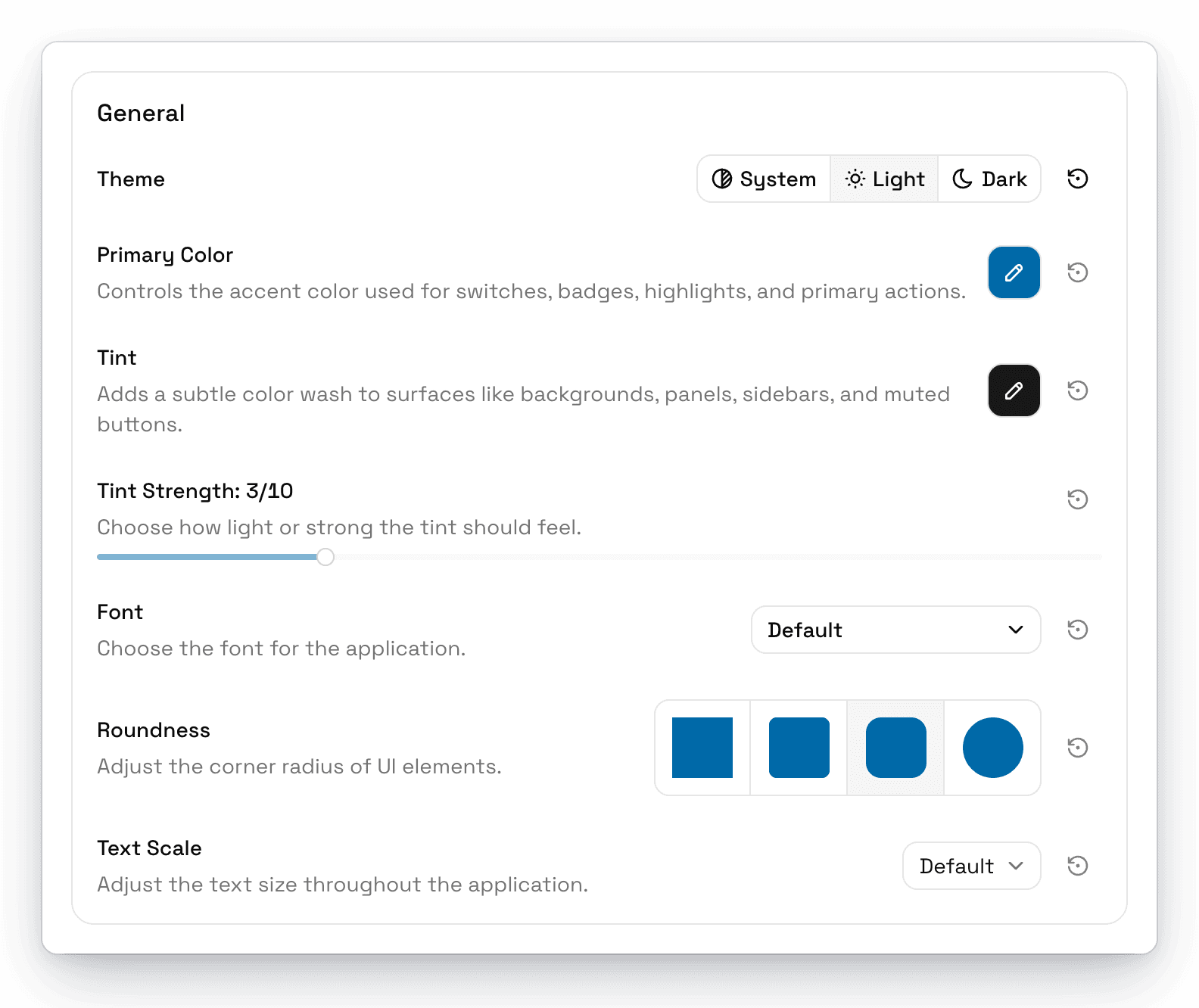
| Setting | Options | Default |
|---|---|---|
| Theme | System, Light, Dark | System |
| Primary Color | The accent color for switches, badges, highlights, and main buttons. Choose from Neutral, Amber, Blue, Cyan, Emerald, Fuchsia, Green, Indigo, Lime, Orange, Pink, Purple, Red, Rose, Sky, Teal, Violet, or Yellow. | Sky |
| Tint | Adds a subtle color wash to backgrounds, panels, and the sidebar. Same colors as above, or Default for none. | Default |
| Tint Strength | How strong the tint is, from 1 to 10. Only available when a tint is chosen. | 3 |
| Font | Default (Space Grotesk), System, Mono, or your own fonts | Default |
| Roundness | Not Round, Slightly Round, Round, Very Round | Round |
| Text Scale | Tiny, Small, Default, Large, Huge, Gigantic | Default |
Custom Fonts
To use your own font, open the Font menu and choose Upload fonts.... You can pick several .ttf, .otf, .woff, or .woff2 files at once. Your fonts then appear in the Font menu. To remove one, click the trash button next to it and confirm.
Custom fonts are stored on each computer and don't sync.
Background
Put an image behind the chat area.
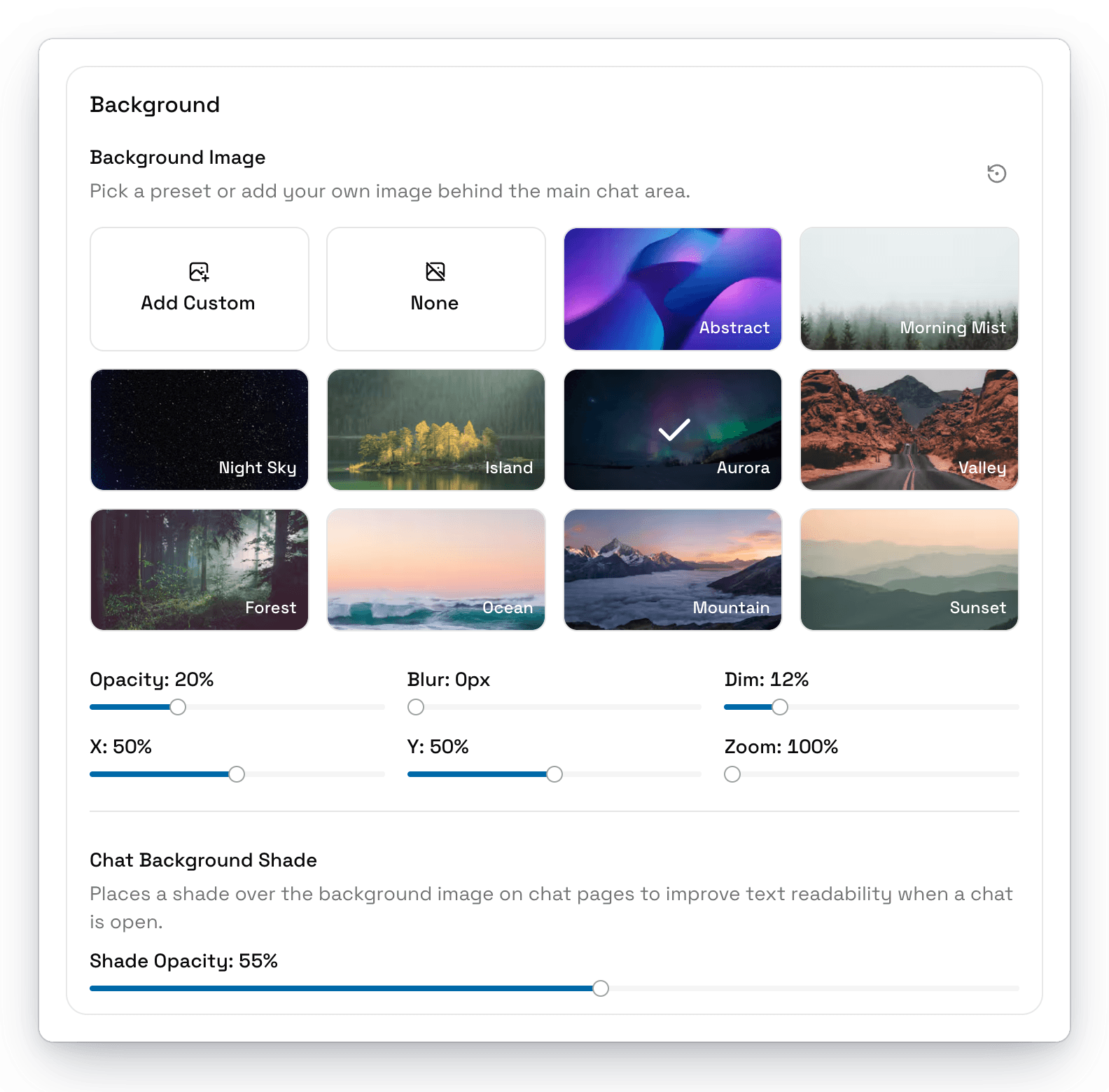
- Background Image: choose None, one of the presets (Abstract, Morning Mist, Night Sky, Island, Aurora, Valley, Forest, Ocean, Mountain, or Sunset), or click Add Custom to use your own image.
- Background Effects: adjust Opacity, Blur, Dim, position (X and Y), and Zoom.
- Chat Background Shade: adds a shade over the image when a chat is open, so text stays easy to read. Adjust it with Shade Opacity.
Chat
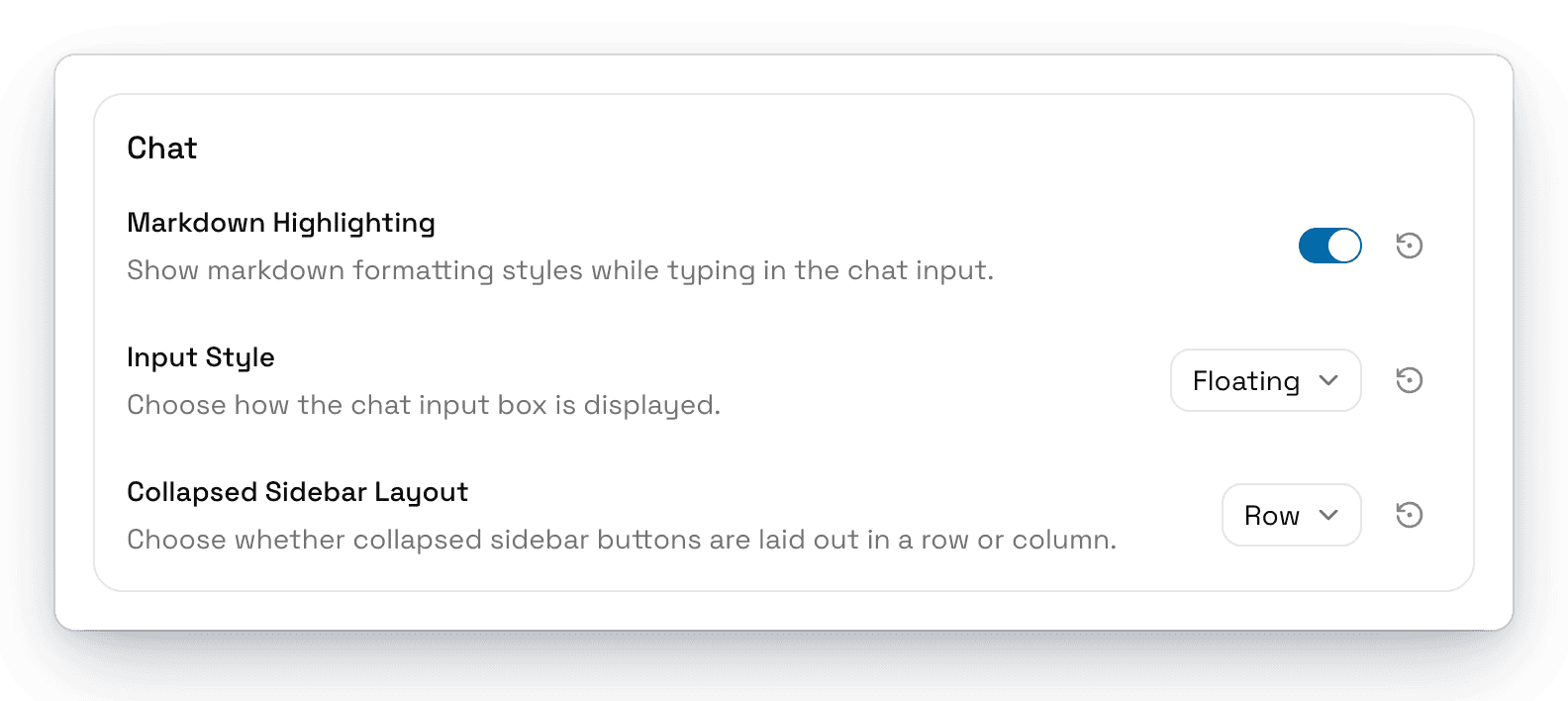
| Setting | What it does | Default |
|---|---|---|
| Markdown Highlighting | Shows Markdown styles, like bold and headings, as you type. | On |
| Input Style | Floating shows the message box as a card. Docked attaches it to the bottom of the window. | Floating |
| Collapsed Sidebar Layout | Arranges the buttons shown when the sidebar is collapsed in a Row or Column. | Row |