Chat Settings
Control chat sorting, notifications, send and interrupt keys, streaming, and how chats get their titles.
Settings -> Chats has three cards: Behavior, Streaming, and Titles.
Behavior
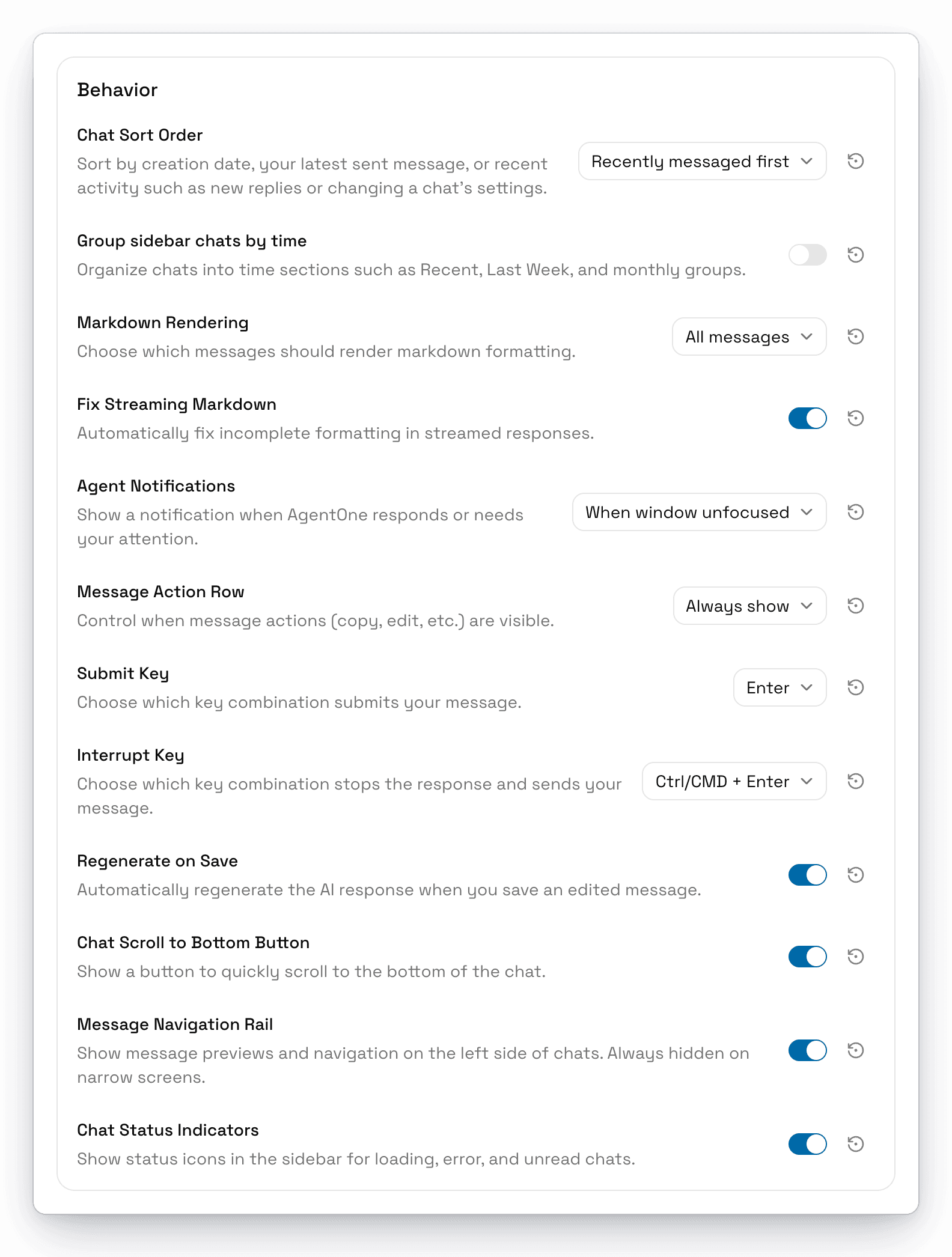
| Setting | What it does | Default |
|---|---|---|
| Chat Sort Order | Newest chats first, Recently messaged first, or Recently active first. See Managing Chats. | Recently messaged first |
| Group sidebar chats by time | Splits the sidebar into sections like Recent, Last Week, and months. | Off |
| Markdown Rendering | Which messages show formatting: All messages, User messages only, Assistant messages only, or No messages. | All messages |
| Fix Streaming Markdown | Cleans up half-written formatting while a response streams. | On |
| Agent Notifications | When to notify you. See below. | When window unfocused |
| Message Action Row | When message buttons show: Show on hover, Always show, or Never show. | Always show |
| Submit Key | Enter or Ctrl/CMD + Enter to send a message. | Enter |
| Interrupt Key | The key that stops a response and sends your new message: Enter, Ctrl/CMD + Enter, or Ctrl/CMD + Shift + Enter. | Ctrl/CMD + Enter |
| Regenerate on Save | Gets a new response automatically when you save an edited message. | On |
| Chat Scroll to Bottom Button | Shows a button to jump to the end of a chat. You can also right-click the button and choose Never show this button. | On |
| Message Navigation Rail | Shows message previews and navigation on the left side of chats. Always hidden on narrow windows. | On |
| Chat Status Indicators | Shows loading, error, and unread icons in the sidebar. | On |
Agent Notifications
AgentOne can notify you when it finishes a response (with a preview of the answer), when it needs your approval to continue, or when it stops because of an error. Click a notification to open that chat.
| Option | You're notified... |
|---|---|
| Always | For every chat, even while you're looking at it |
| When window unfocused | Only when you're in another app |
| Unless viewing the chat | For every chat except the one you have open |
| Never | Never |
The first time, your system may ask whether to allow notifications from AgentOne.
Streaming
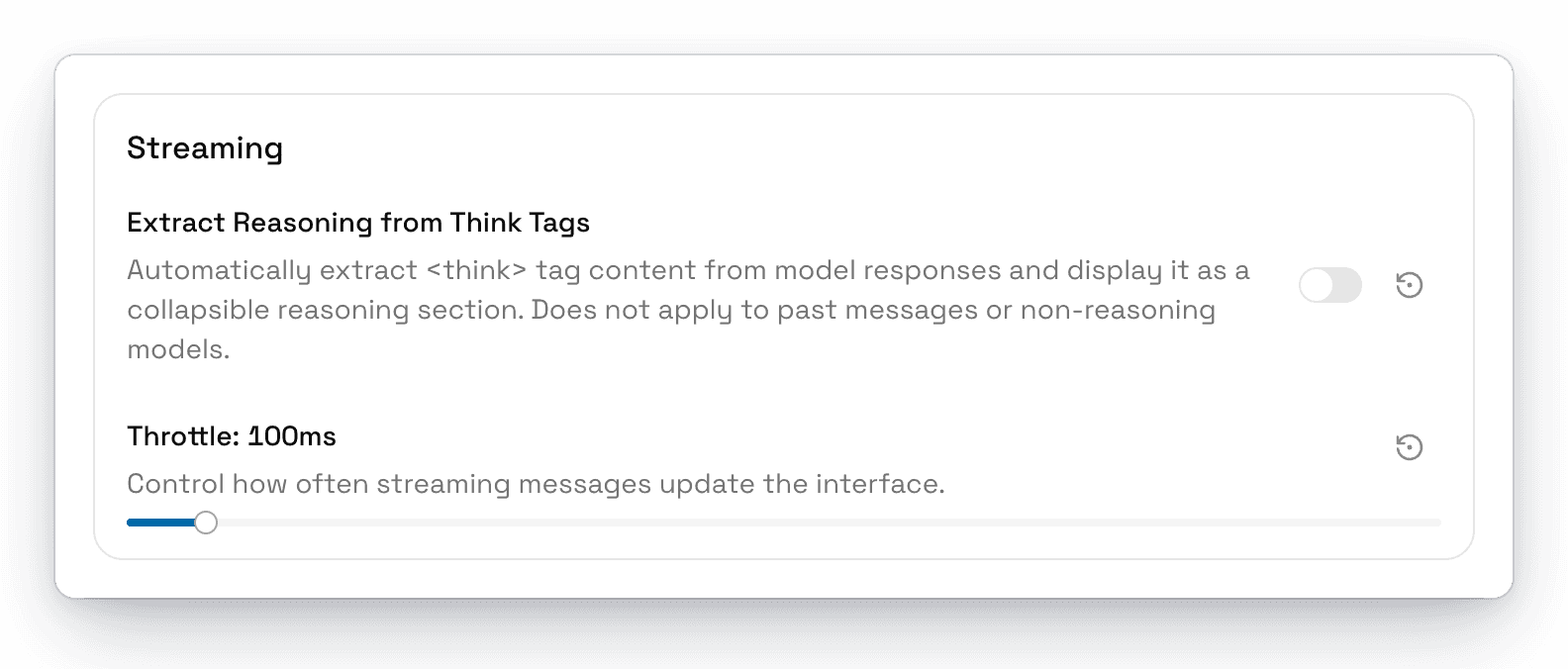
| Setting | What it does | Default |
|---|---|---|
| Extract Reasoning from Think Tags | Shows text inside <think> tags as a collapsible Reasoning section. Doesn't apply to past messages or models with built-in reasoning. | Off |
| Throttle | How often a streaming response updates on screen, from 50 to 1000 ms. Higher values use less CPU. | 100 ms |
Titles
Choose how AgentOne names new chats.
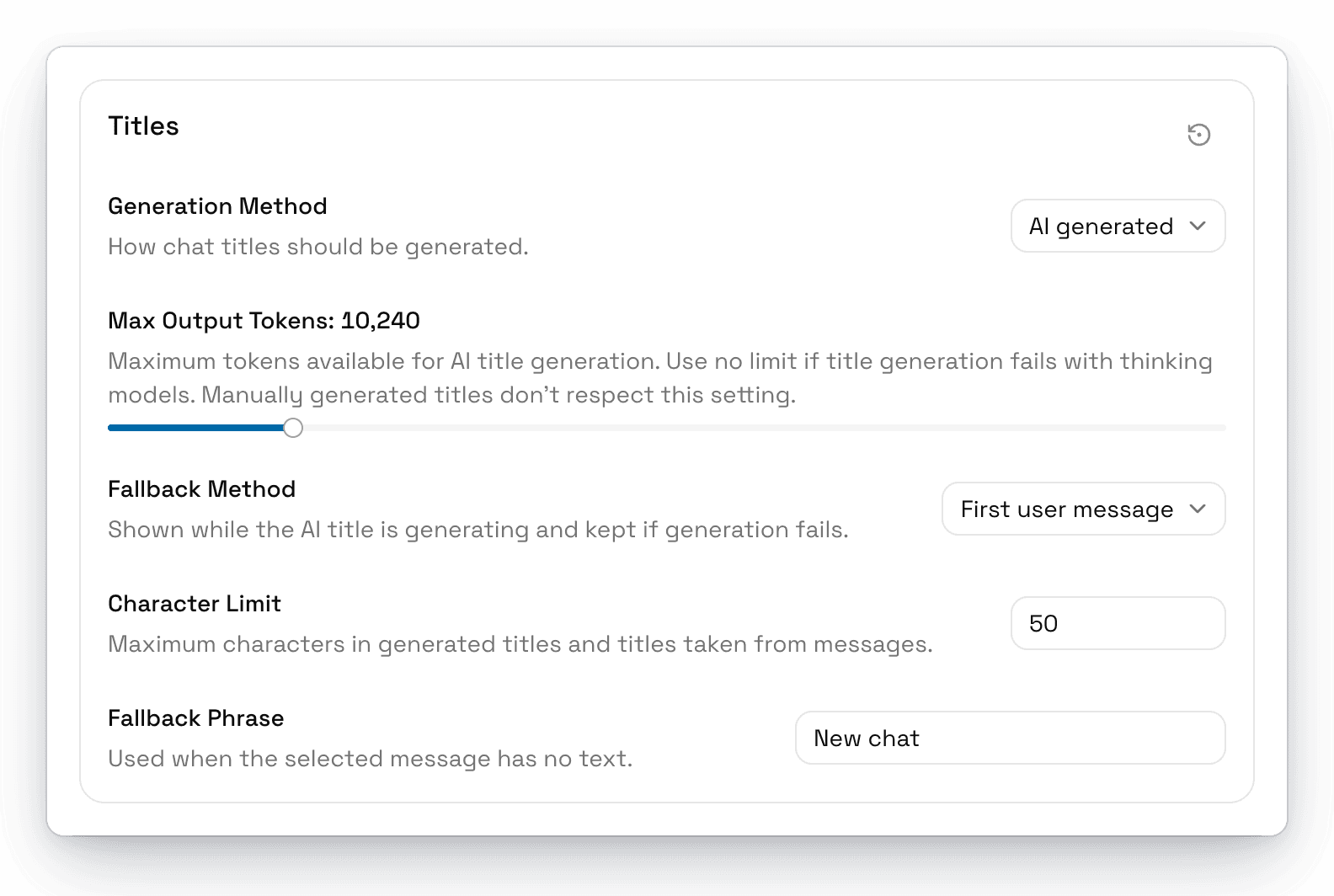
| Setting | What it does | Default |
|---|---|---|
| Generation Method | AI generated, First user message, First assistant message, or Custom phrase. | AI generated |
| Max Output Tokens | How many tokens the AI can use to write a title. Set it to No limit if titles fail with thinking models. | 10,240 |
| Fallback Method | What to show while the AI title is being written, and to keep if it fails. | First user message |
| Character Limit | The longest a title can be. | 50 |
| Fallback Phrase | Used when the chosen message has no text. | New chat |
AI titles are written by the same model you're chatting with. You can rename any chat later from its menu.