Performance Settings
Limits that keep AgentOne fast with very long messages, huge chats, and many extensions.
Settings -> Performance has settings that keep AgentOne fast even with huge messages and long chats. The defaults work well for most people.
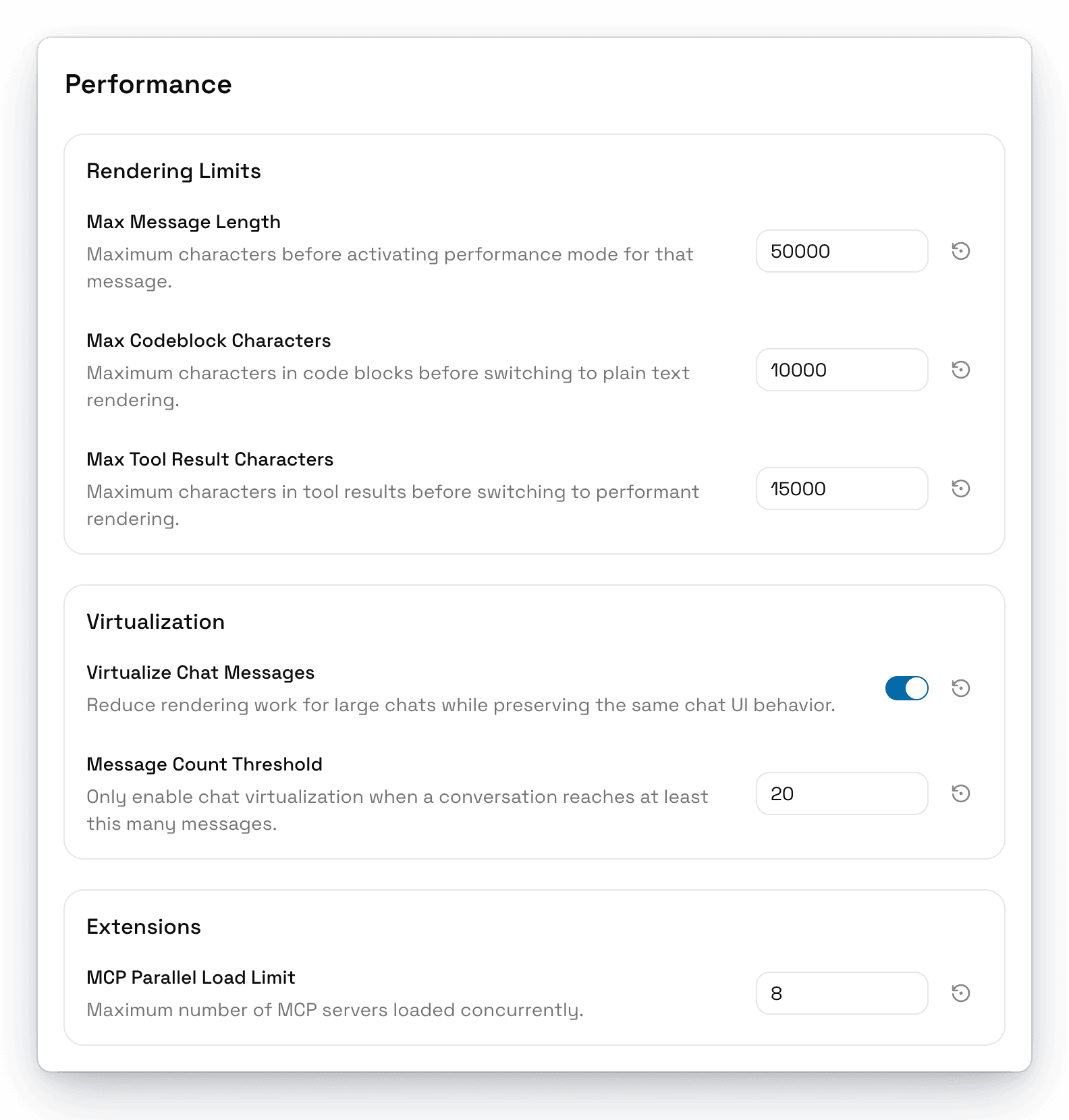
Rendering Limits
When content goes over these limits, AgentOne switches to a simpler, faster view for it.
| Setting | What it does | Default |
|---|---|---|
| Max Message Length | Characters before a message switches to performance mode. | 50,000 |
| Max Codeblock Characters | Characters before a code block shows as plain text. | 10,000 |
| Max Tool Result Characters | Characters before a tool result switches to a lighter view. | 15,000 |
Virtualization
| Setting | What it does | Default |
|---|---|---|
| Virtualize Chat Messages | Only renders the messages on screen in large chats, without changing how chats look. | On |
| Message Count Threshold | How many messages a chat needs before virtualization starts. | 20 |
Extensions
| Setting | What it does | Default |
|---|---|---|
| MCP Parallel Load Limit | How many extensions load at the same time when AgentOne starts. | 8 |