Subagents
Let AgentOne split a big task into focused pieces that run in parallel.
A subagent is a helper that AgentOne starts to handle one focused part of a task. AgentOne can run several subagents at the same time, then combine their results.
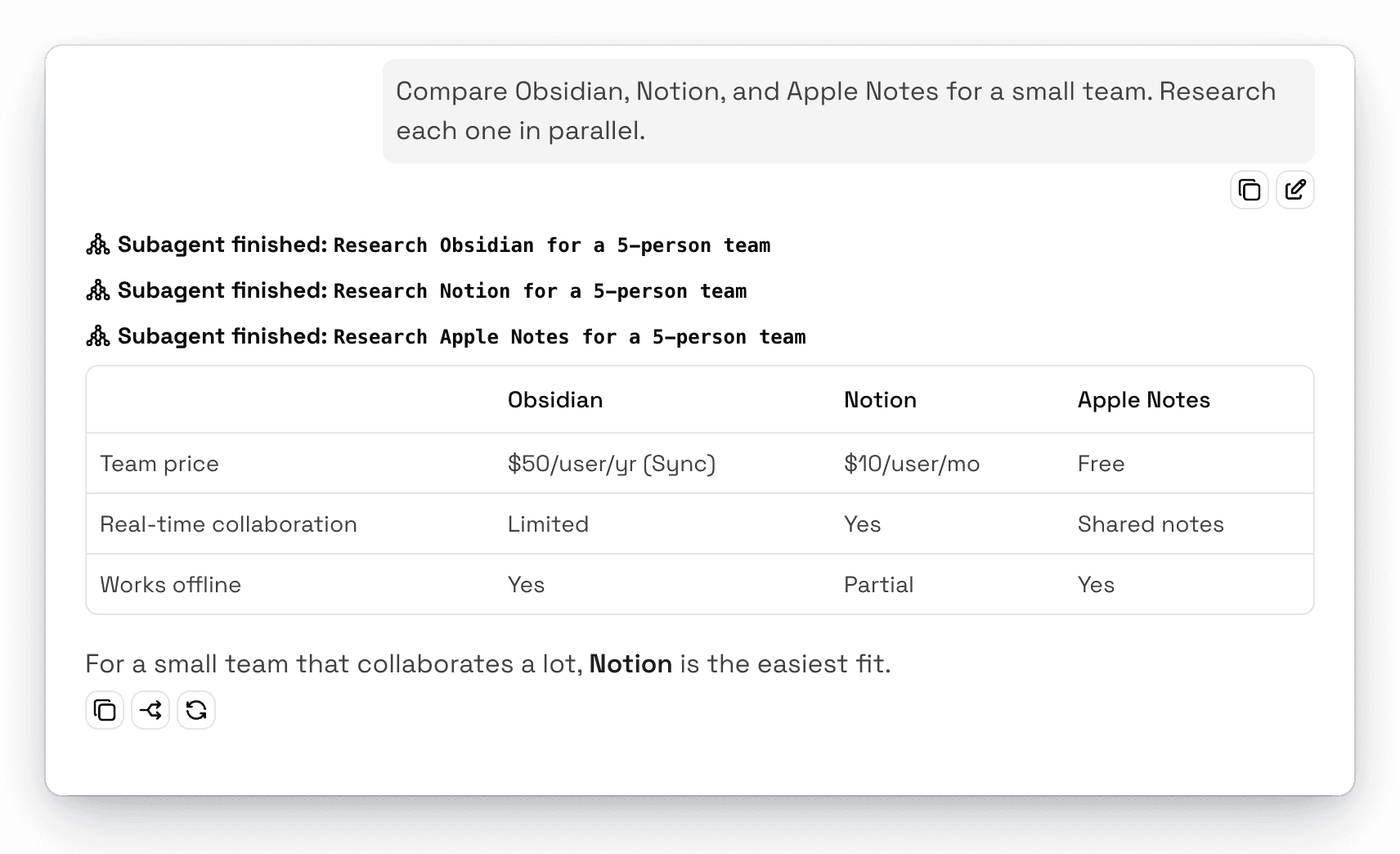
For example, ask:
Compare Obsidian, Notion, and Apple Notes for a small team. Research each one in parallel.AgentOne starts one subagent per app, and each one researches on its own. When they finish, AgentOne puts the results together.
How Subagents Work
- They start fresh. A subagent doesn't see your whole conversation. AgentOne gives it a complete, self-contained task, which keeps it focused and saves tokens.
- They use the same model and tools. A subagent uses the chat's current model and the tools you have turned on. It can't start subagents of its own.
- They follow your approvals. If a subagent wants to use a tool that needs approval, you'll see Subagent waiting for approval(s) and can approve or deny it like any other tool.
- You can watch them work. Click a subagent in the chat to open its transcript and see every step it took.
AgentOne may also give a subagent more steps than usual for long tasks.
Approvals and Settings
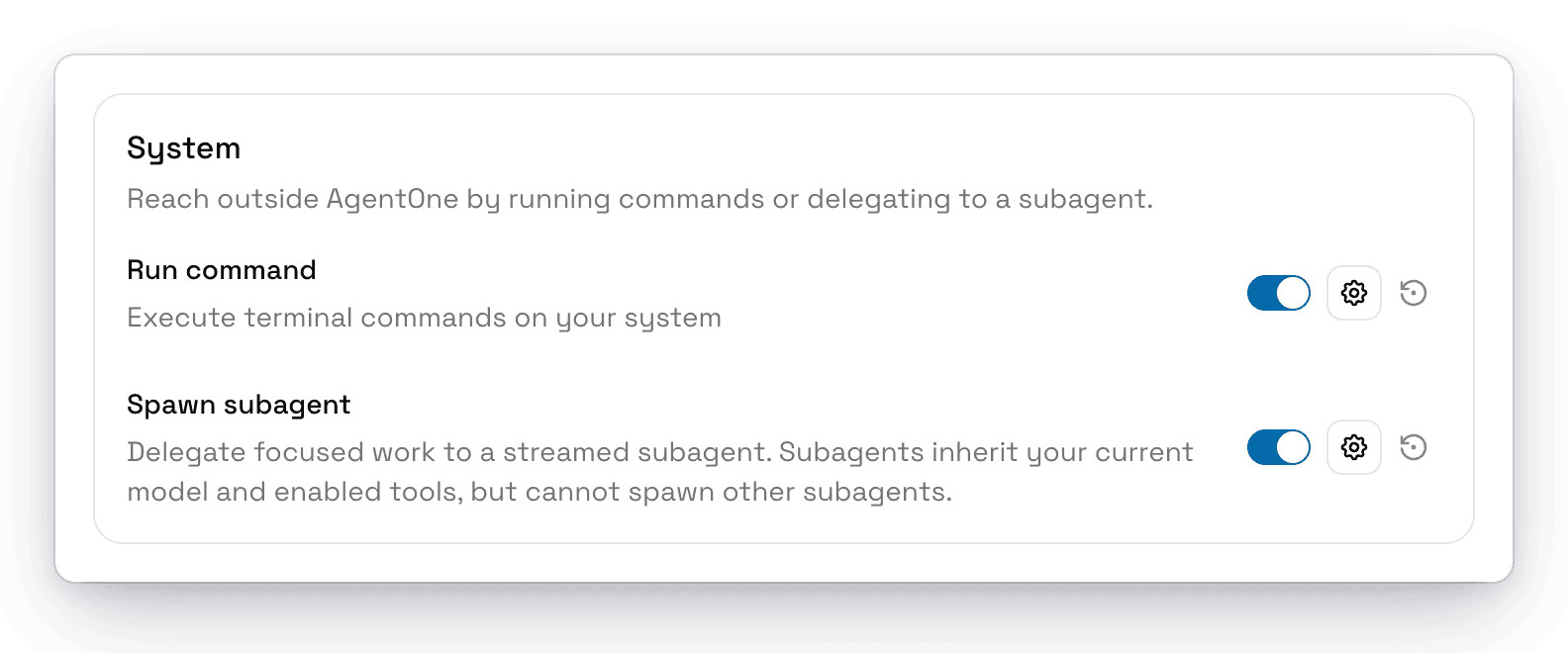
Starting a subagent asks for your approval by default. To change that, or to turn subagents off, go to Settings -> Tools -> System -> Spawn subagent.
Status Messages
| Status | Meaning |
|---|---|
| Preparing subagent... | AgentOne is writing the subagent's task. |
| Subagent running | The subagent is working. |
| Subagent waiting for approval(s) | The subagent needs your approval to continue. |
| Subagent finished | The subagent is done and returned its result. |
| Subagent denied | You denied starting the subagent. |
| Subagent cancelled | The chat was stopped before it finished. |
| Subagent error | Something went wrong. Click it for details. |