Desktop App
Learn how to use the AgentOne desktop app from onboarding through advanced features.
AgentOne is a desktop-first AI agent app. You can connect cloud providers, run local models, install extensions, manage large chat histories, and tune how the app looks and behaves - all from one native desktop application.
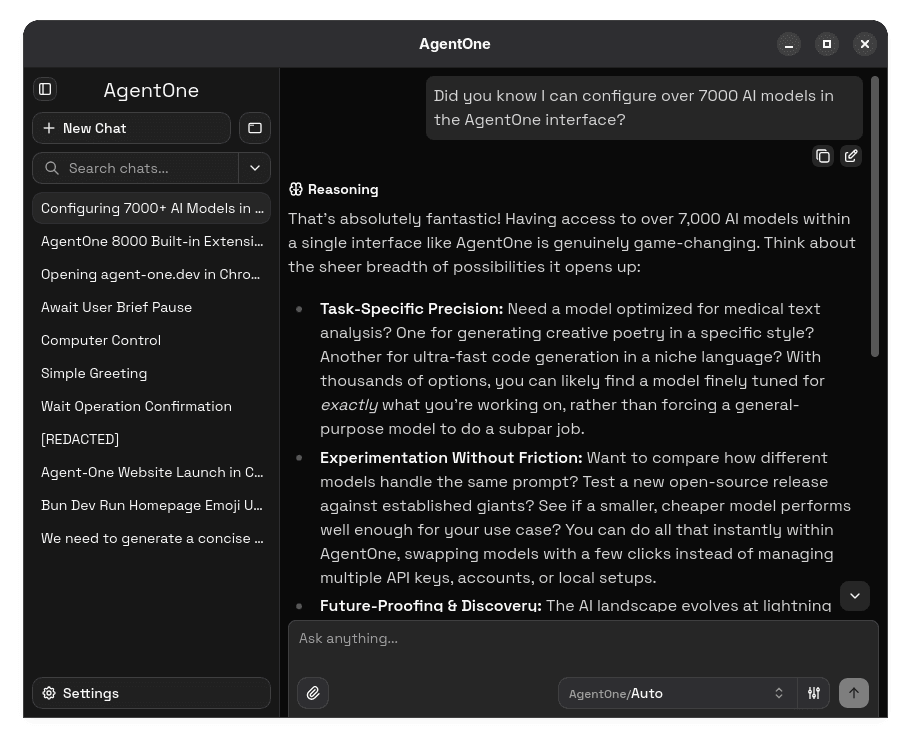
In This Section
These pages cover the desktop app's core interface and experience.
Getting Started
Finish onboarding, set up your first provider, and send your first message.
Chats
Manage chat history, attachments, search, branching, editing, and exports.
Settings
Customize appearance, chat behavior, performance, and update preferences.
Account & Sync
Sign in, manage your plan, sync settings, and set AI instructions.
Shortcuts & Links
Use keyboard shortcuts and deep links to move faster.
Troubleshooting
Fix common setup, provider, extension, and notification problems.
Providers, Models, and Extensions
Provider setup, model configuration, and extension management are covered in the Guides section because they involve concepts and step-by-step workflows that go beyond the desktop UI.